
Product video production can introduce an unfamiliar item, explain how it works or give a launch a distinctive visual idea. For a brand in Cyprus, the right approach depends on what customers need to understand and where they will encounter the film. A demonstration, a commercial and a short product story each have a different role.
Choose the question the film should answer
A person discovering a product may need a simple introduction to its purpose. Someone comparing options may want to see how a feature works. An existing customer may need a clear explanation of a task. Choose the audience and the practical question before deciding the visual treatment.
Write the key takeaway in plain language. For example, a demonstration could show how a product is assembled or used in a particular situation. A campaign film might focus on one benefit and express it through a considered scene. The brief should make that difference clear.
Match the format to the product story
- A demonstration: shows the relevant action in an understandable sequence.
- A commercial: develops a creative idea around a focused message.
- A launch film: introduces the product and gives the audience enough context to explore it.
- A detail-led film: concentrates on materials, design or a specific feature.
- A presenter explanation: uses a knowledgeable person to guide the viewer.
- An animated sequence: explains a process or detail that is difficult to show directly.
These formats can work together when their roles are agreed. Multians connects commercial production, product photography and editing and animation within a production brief.
Prepare the product and the demonstration
Provide the final product version and identify the features that will be shown. Check that the item is ready for close views and that any accessories, packaging or alternative finishes are available. A small visible detail can become significant when it fills the frame.
For a working demonstration, prepare the sequence and someone who understands the product. Identify actions that cannot easily be repeated and whether additional samples are needed. Rehearse the process so the crew can capture the useful stages without discovering a missing component during filming.
Give the team approved specifications and product information. The visual demonstration, spoken explanation and graphics should describe the same version and capability.
Choose a setting that supports the message
A controlled studio scene can concentrate attention on the product’s form and details. A location scene can show it in a recognisable context. A film may need both, depending on the audience and the story.
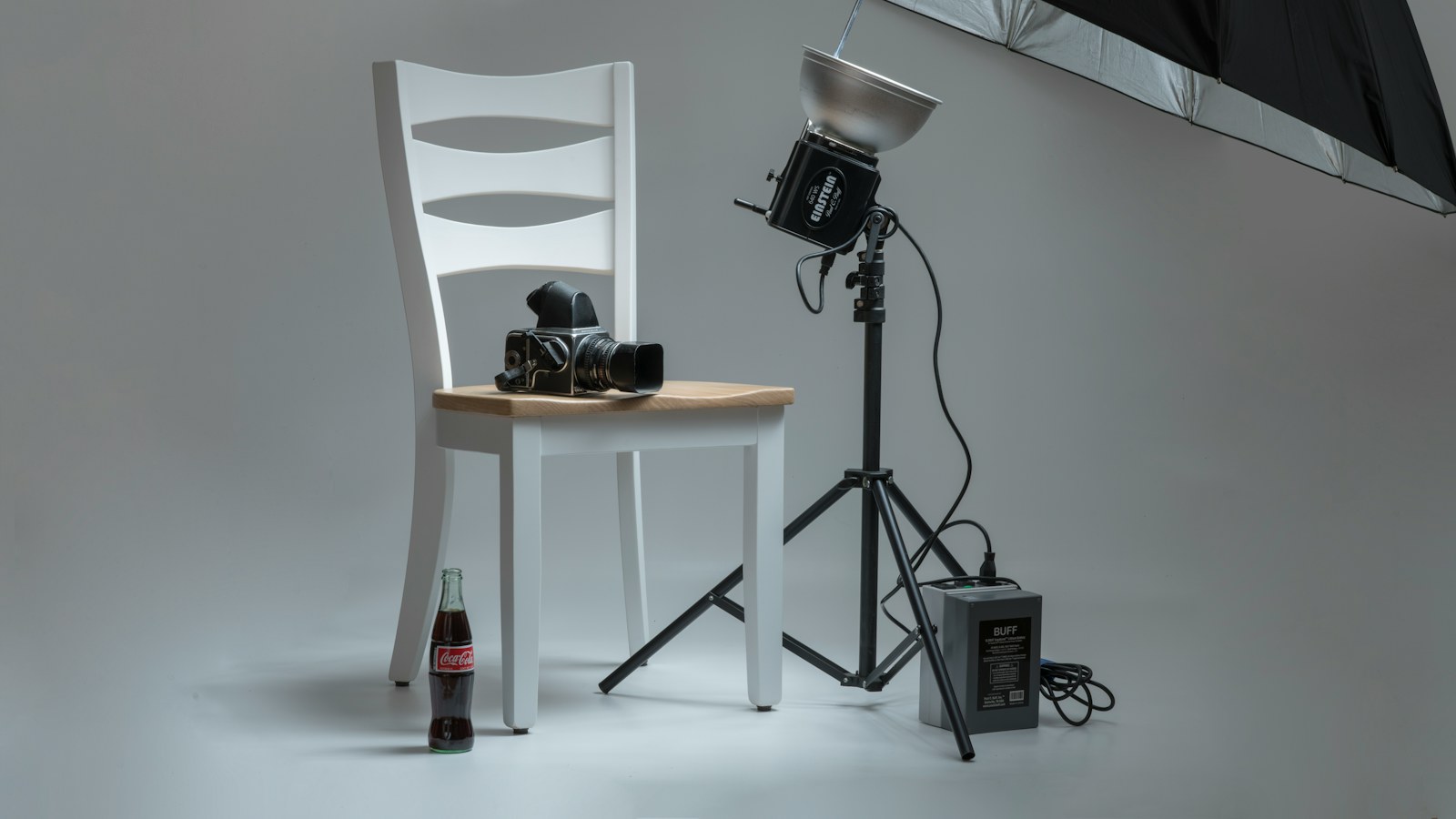
Discuss surfaces, backgrounds, props and how people interact with the item. Consider reflections, texture, scale and movement when developing the shot list. A reference image can help explain the desired lighting or composition, while the treatment should remain specific to your brand.
If a studio is appropriate, include the space, setup and production requirements in the proposal. Multians’ sister company, LCA Studios, provides photo and film space in Larnaca; the suitable location and scope should be confirmed for the actual project.
Use graphics to make important details understandable
Labels, diagrams or animation can help viewers follow a process, recognise a feature or understand the relationship between components. Give each graphic an explanatory purpose. Too many labels can make a simple demonstration harder to follow.
Agree which design files, logos and product assets will be supplied, and which visual elements the production team will create. A few information graphics and a fully animated product film are different scopes. Prepare exact wording and establish who checks technical accuracy.
Plan a useful set of launch assets
A main film can provide the full introduction, while shorter versions focus on a feature or use case. Selected photographs may support the website, sales materials and social posts. Identify those outputs before filming so the compositions and supporting scenes can be captured intentionally.
For vertical content, plan room for the product, the action and any text. A wide demonstration involving several objects may not survive a simple centre crop. The social video production guide explains how to brief the different versions.
Define the handover and review
Agree the number of edits, approximate lengths, orientations, caption needs and final delivery formats. Identify the people checking brand presentation and product accuracy. Consolidate feedback so the editor has a clear direction at each review stage.
Keep time-sensitive offers or launch dates visible in the version plan. Confirm the intended channels and campaign use for music, talent or other third-party assets. Our production quote guide gives a checklist for comparing the included work.
Contact Multians with the product, the audience and the question your film needs to answer. From there, the team can shape a practical product video production in Cyprus.
Cover photograph: Randy Fath / Unsplash. Illustrative stock image.